


 Downloader
 Free FTP
Step-by-Step Guide to Using an HUS File Converter
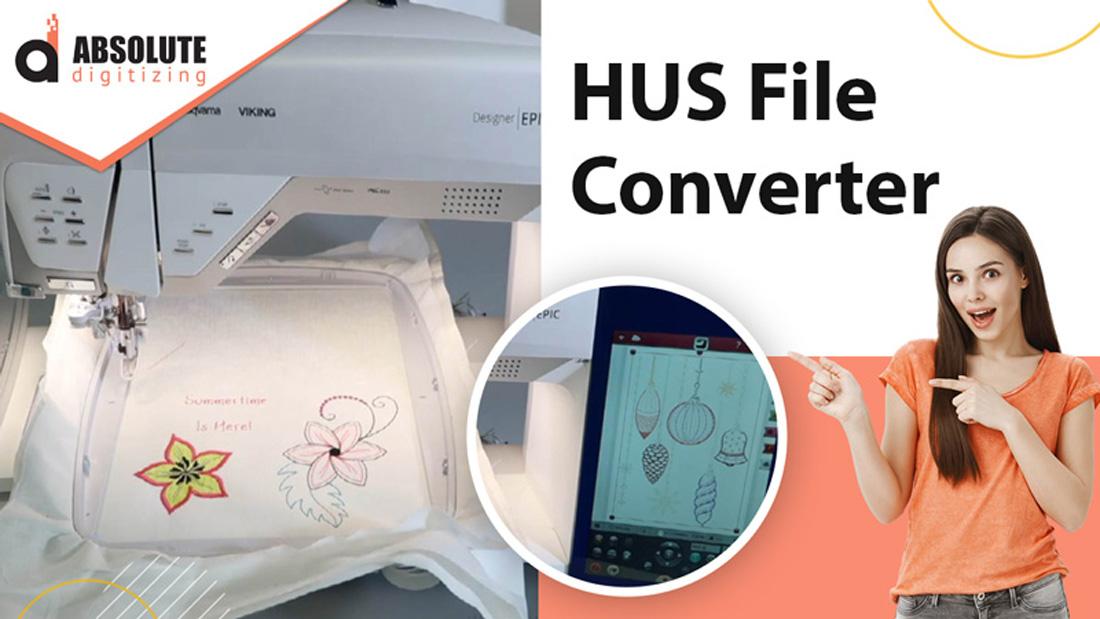
If you're into machine embroidery, you've probably come across HUS files—a format primarily used by Husqvarna Viking embroidery machines. But what if you have a different brand of machine, like Brother, Janome, or Singer? That's where an HUS file converter comes in handy.
Converting embroidery file formats might sound technical, but it’s actually pretty straightforward with the right tools. In this guide, we’ll walk you through the entire process, from understanding HUS files to converting them into a format your machine can read.
What Is an HUS File?
An HUS file is a digital embroidery design format specifically designed for Husqvarna Viking sewing and embroidery machines. It contains stitch data, color information, and other details needed for the machine to recreate the design.
However, if you own a different brand of embroidery machine—say, a Brother (PES), Janome (JEF), or Bernina (ART)—your machine won’t recognize the HUS format. That’s why converting the file is necessary.
Why Convert HUS Files?
- Machine Compatibility – Not all embroidery machines read the same file formats. Converting ensures your design works with your specific model.
- Editing Flexibility – Some software allows you to tweak the design after conversion, adjusting size, stitch density, or colors.
- Sharing Designs – If you download or purchase an embroidery design in HUS format but need to use it on a different machine, conversion is a must.
Best HUS File Converters
Before diving into the conversion steps, let’s look at some reliable tools for the job:
- Embird – A paid software that supports multiple embroidery formats, including HUS conversion.
- SewWhat-Pro / SewArt – Affordable options for basic conversions.
- Wilcom TrueSizer – A free tool by Wilcom that lets you view and convert embroidery files.
- Online Converters – Websites like MyEditor or EmbroideryOffice offer quick (but sometimes limited) conversions.
For this guide, we’ll focus on using Wilcom TrueSizer (free) and Embird (paid) since they’re widely used and reliable.
How to Convert HUS Files Using Wilcom TrueSizer
Step 1: Download and Install Wilcom TrueSizer
Wilcom TrueSizer is a free application that lets you resize, preview, and convert embroidery files.
- Go to the Wilcom website and download TrueSizer.
- Install the software following the on-screen instructions.
Step 2: Open the HUS File
- Launch Wilcom TrueSizer.
- Click File > Open and select your HUS file.
- The design will appear on the screen, allowing you to preview it before conversion.
Step 3: Choose the Output Format
- Click File > Save As.
- In the dropdown menu, select your desired format (e.g., PES for Brother, JEF for Janome, DST for industrial machines).
- Choose a save location and click Save.
That’s it! Your HUS file is now converted and ready to use on your machine.
How to Convert HUS Files Using Embird
Step 1: Install Embird
Embird is a paid embroidery software with a built-in file converter.
- Purchase and download Embird from the official website.
- Install the software and activate it with your license key.
Step 2: Open the HUS File in Embird Studio
- Launch Embird Studio.
- Click File > Open and select your HUS file.
- The design will load into the workspace.
Step 3: Export to a Different Format
- Click File > Save As.
- From the format dropdown, pick the one compatible with your machine (e.g., PES, DST, EXP).
- Adjust settings if needed (e.g., resizing, stitch optimization).
- Click Save to complete the conversion.
Troubleshooting Common Conversion Issues
Sometimes, file conversions don’t go smoothly. Here are some common problems and fixes:
Problem: Design Looks Distorted After Conversion
- Solution: Some formats handle stitch data differently. Try a different converter or adjust the design in embroidery software before converting.
Problem: Machine Doesn’t Recognize the Converted File
- Solution: Double-check that you’ve selected the correct output format. Some machines require specific versions (e.g., PES for newer Brother machines vs. PEC for older ones).
Problem: Colors Are Wrong After Conversion
- Solution: Some converters don’t preserve color codes. Manually re-select thread colors in your machine’s software before stitching.
Alternative Methods: Online Converters
If you don’t want to install software, some online tools can convert HUS files:
- MyEditor Embroidery Converter – Upload your HUS file, select the output format, and download.
- EmbroideryOffice – Another web-based option for quick conversions.
⚠️ Warning: Be cautious with online converters—some have file size limits or lower-quality output. Always check the converted file before stitching.
Final Tips for Successful HUS File Conversion
- Backup Your Original File – Always keep a copy of the HUS file in case conversion errors occur.
- Test Before Stitching – Run a small test stitch on scrap fabric to ensure the converted design looks correct.
- Use High-Quality Software – Free tools work, but paid software like Embird often provides better accuracy.
Conclusion
Converting HUS files doesn’t have to be complicated. Whether you use Wilcom TrueSizer, Embird, or an online converter, the process is quick and ensures your embroidery machine can read the design.
Now that you know how to convert HUS files, you can unlock a wider range of embroidery designs—no matter what machine you own. Happy stitching! 🧵

 English
 Arabic
 French
 Spanish
 Portuguese
 Deutsch
 Turkish
 Dutch
Dutch
 Russian
 Romaian
 Portuguese (Brazil)
 Greek
Greek
