


 Downloader
 Free FTP
Promote Your Product
Got a product, service, or story to share? Promote it directly to our active community and boost your brand today.
Create an Ad
Publish Bulk Blog Posts
Boost Your Reach! 📝
Have articles, guest posts, or bulk stories to publish? Send your content directly to our editorial team and feature on our platform.
Email Us Your PostsEmbroidery File Formats Explained for Beginners
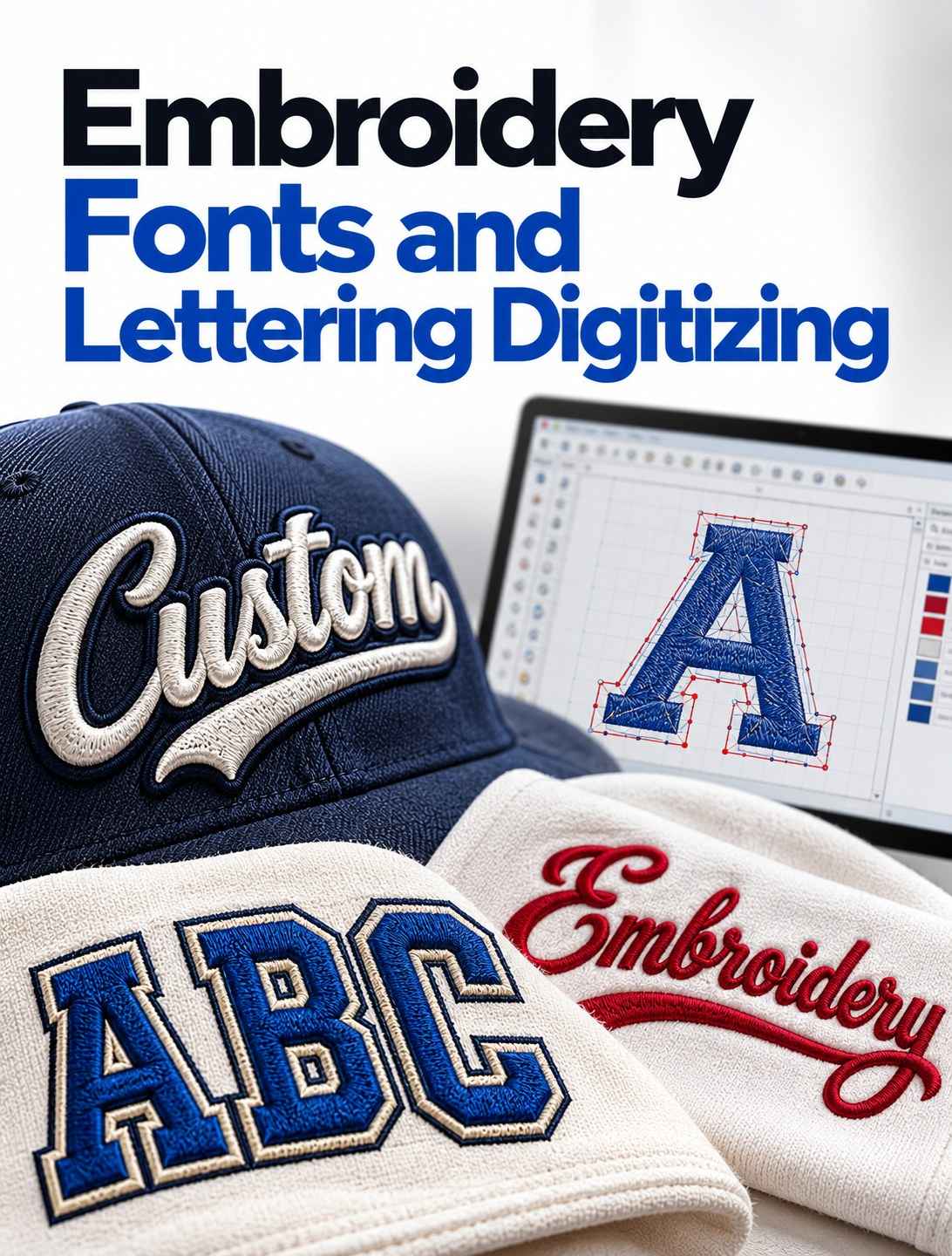
Receiving an embroidery file is only useful if your software and machine can work with it. Different embroidery systems support different formats, and a file that opens in one program may not be accepted by another machine. Understanding the basics helps you order the right deliverable and avoid last-minute production delays.
What an Embroidery File Contains
A machine embroidery file contains instructions about stitch placement and movement. Depending on the format, it may store information such as stitch coordinates, color-change stops, trims, and other machine commands. It is not simply a picture of the design. A preview image can show the appearance, but the machine file carries the instructions needed for production.
Why Formats Differ
Embroidery equipment has developed across different manufacturers and software ecosystems. Some formats are associated with particular machine families, while others are widely used in commercial environments. Formats may also differ in the information they preserve, such as color names or design metadata. Compatibility should be confirmed using the machine or software documentation.
Common Formats and Their General Uses
DST is widely used in commercial embroidery workflows. PES is commonly associated with many Brother and Baby Lock systems, while JEF is associated with Janome machines. EXP and VP3 are used in certain embroidery software and machine ecosystems. These are general associations, not a promise that every model supports every version of a format.
Know Your Exact Machine Model
The machine brand alone may not provide enough information. Models can differ in supported formats, transfer methods, hoop limits, and software requirements. Check the user manual or manufacturer's support information. If you use a multi-machine shop, make a list of the formats required by each machine and include it with your order.
Machine Format Versus Working File
A production file is intended to run on compatible equipment. A native or editable working file may preserve additional design objects and settings for later changes in digitizing software. These are not necessarily the same thing. If you expect to change the design later, ask whether an editable source file is available and what software is required to use it.
Color Information and Thread Stops
Some formats or workflows preserve more useful color labels than others. A machine may stop at a color-change point without automatically knowing the exact thread brand or shade to load. For multi-color designs, ask whether the delivery includes a color sequence sheet or thread reference. This is especially helpful for repeat production and teams that use several machines.
Size, Hoop Limits, and Stitch Counts
File compatibility is not only about the extension. The design must also fit the machine's usable embroidery area and comply with its operational limits. Check the finished dimensions and the hoop size before ordering. If the design is too large, it may need to be resized or reworked rather than simply saved in another format.
How to Test a Received File
Before a production run, open the file in compatible software if available and inspect the design dimensions, orientation, stitch preview, and color stops. Then test it on the intended material when practical. If the file fails to open, confirm the extension and machine compatibility before assuming the design itself is damaged. Keep the original delivered file unchanged so you can return to it if a working copy is altered.
Common Format Mistakes
A frequent mistake is ordering a file without confirming the exact machine format. Another is confusing a JPG or PNG preview with a machine stitch file. Renaming a file extension does not convert its underlying data. Use an appropriate embroidery program or request the correct format from the provider. Keep backups and label approved versions clearly.
Ordering the Right File From a Provider
When you request Embroidery Digitizing, include the machine brand and model, required file format, finished dimensions, and intended material. DigitizingStudio's Embroidery Service page provides further service information. If you need files for multiple machines, list each required format before the project begins and confirm what the delivery includes.
Frequently Asked Questions
Is DST better than PES?
Neither is universally better. The correct choice depends on your machine and software.
Can I convert a JPG into a machine file by changing the extension?
No. A JPG is an image, not a machine stitch file. Conversion requires embroidery digitizing software and a stitch plan.
Can one design be supplied in multiple formats?
Often, yes. Confirm which formats are available and whether each version will be checked for compatibility.
Why does my file look different on screen and in stitching?
The screen preview cannot fully represent fabric movement, thread texture, tension, or other physical production factors.
Conclusion
Choosing the correct embroidery file format begins with knowing your machine and its supported workflow. Confirm the model, format, hoop size, and delivery contents before ordering. A compatible file and a simple test process help keep production organized and reduce avoidable interruptions.

 English
 Arabic
 French
 Portuguese
 Deutsch
 Turkish
 Dutch
Dutch
 Italiano
 Russian
 Romaian
 Portuguese (Brazil)
 Greek
Greek
