


 Downloader
 Free FTP
AirPods Pro 2 Connectivity and Sound Issues

Apple’s AirPods Pro 2 are widely celebrated for their active noise cancellation, adaptive transparency, and seamless integration with iOS devices. Still, even premium earbuds are not immune to technical hiccups. Many users encounter problems ranging from Bluetooth disconnections to muffled sound or one earbud refusing to sync. In this guide, I’ll explain why these issues happen, how to fix them step by step, and provide insights based on real experiences.
Common Connectivity Problems
AirPods Pro 2 rely on Bluetooth to connect to devices, and while the process is usually smooth, certain glitches are fairly common:
-
Random disconnections during calls
-
One earbud failing to pair
-
Delays between audio and video
-
Devices failing to detect the AirPods entirely
Most of these issues are linked to outdated software, interference, or misconfigured settings. In some cases, the charging case itself can be the root cause, since it handles pairing.
How to Fix Bluetooth Disconnections
-
Forget and Reconnect: Go into your device’s Bluetooth settings, forget the AirPods, and reconnect. This often refreshes the link.
-
Reset the AirPods Pro 2: Hold the button on the charging case until the light flashes amber, then white. This clears past connections and allows a fresh start.
-
Update Firmware: Apple periodically releases firmware updates that fix connectivity bugs. Make sure your AirPods are paired and charging near an iPhone to update automatically.
For step-by-step visuals, manuals.online offers guides that show the reset and pairing process in detail, which is especially helpful for first-time Apple users.
Sound Quality Issues
Another common frustration is inconsistent sound. Some users report muffled audio, imbalance between earbuds, or distortion during playback.
Cleaning the Earbuds
Dust, earwax, or debris can block the mesh and drastically reduce sound clarity. Carefully clean the AirPods with a dry, soft-bristled brush. Avoid liquids that could damage the electronics.
Adjusting Ear Tips
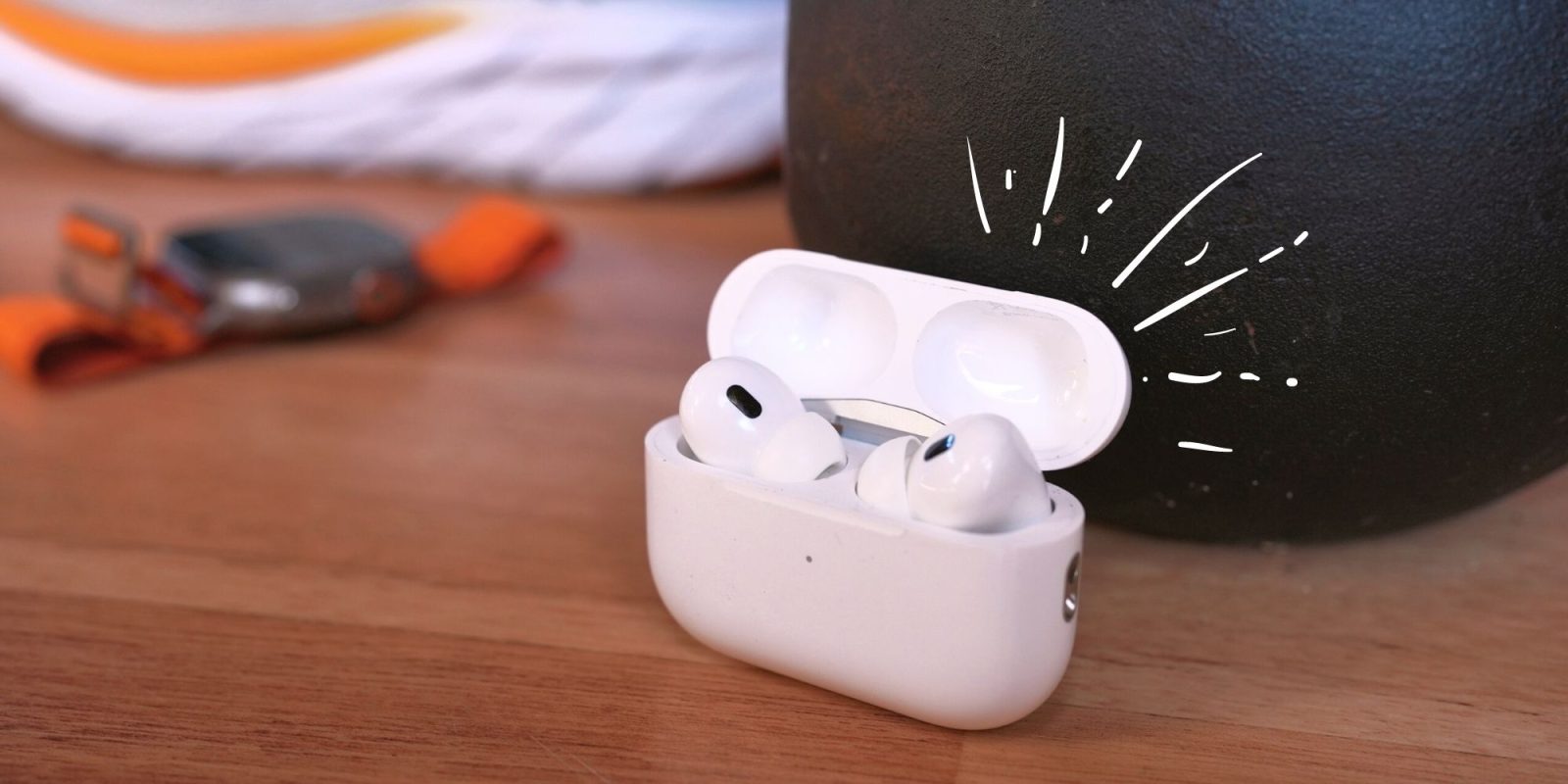
The AirPods Pro 2 come with multiple ear tip sizes. Poor fit can cause weak bass or sound leakage. Running the Ear Tip Fit Test in iOS helps determine which size provides the best seal.
Reset Audio Settings
If one earbud sounds quieter, resetting audio balance in the accessibility settings of your iPhone often restores proper levels. A guide I found on https://manymanuals.com/ described this exact issue and how to adjust balance without needing a full reset.
Troubleshooting Noise Cancellation
Active Noise Cancellation (ANC) is one of the AirPods Pro 2’s biggest selling points, but sometimes it doesn’t perform as expected. Users report hearing background hums or noticing no difference between ANC and Transparency Mode.
-
Re-seat the Earbuds: A poor seal reduces ANC effectiveness.
-
Restart ANC: Toggle between Transparency and ANC in Control Center to refresh the system.
-
Software Update: Just like connectivity issues, ANC glitches are often corrected in firmware updates.
According to documentation available at https://manymanuals.de/, certain ANC problems occur when the AirPods haven’t been updated for months. Once updated, background suppression improved significantly.
Frequently Asked Questions
Why do my AirPods Pro 2 disconnect during phone calls?
This usually happens due to Bluetooth interference or outdated firmware. Resetting the AirPods and updating software solves it in most cases.
Can low battery cause sound distortion?
Yes. When the charge is below 10%, performance may degrade. Always ensure both earbuds and the case are adequately charged.
Why is one earbud louder than the other?
This can be caused by dirt, misaligned ear tips, or incorrect audio balance settings. Cleaning and resetting often restore normal sound.
How do I reset my AirPods Pro 2?
Press and hold the button on the charging case until the status light flashes amber, then white. After that, pair them again with your device.
Does Apple replace faulty AirPods under warranty?
Yes. If the issue persists after troubleshooting, Apple provides replacements under warranty, provided there is no accidental damage.
Real-World Experience
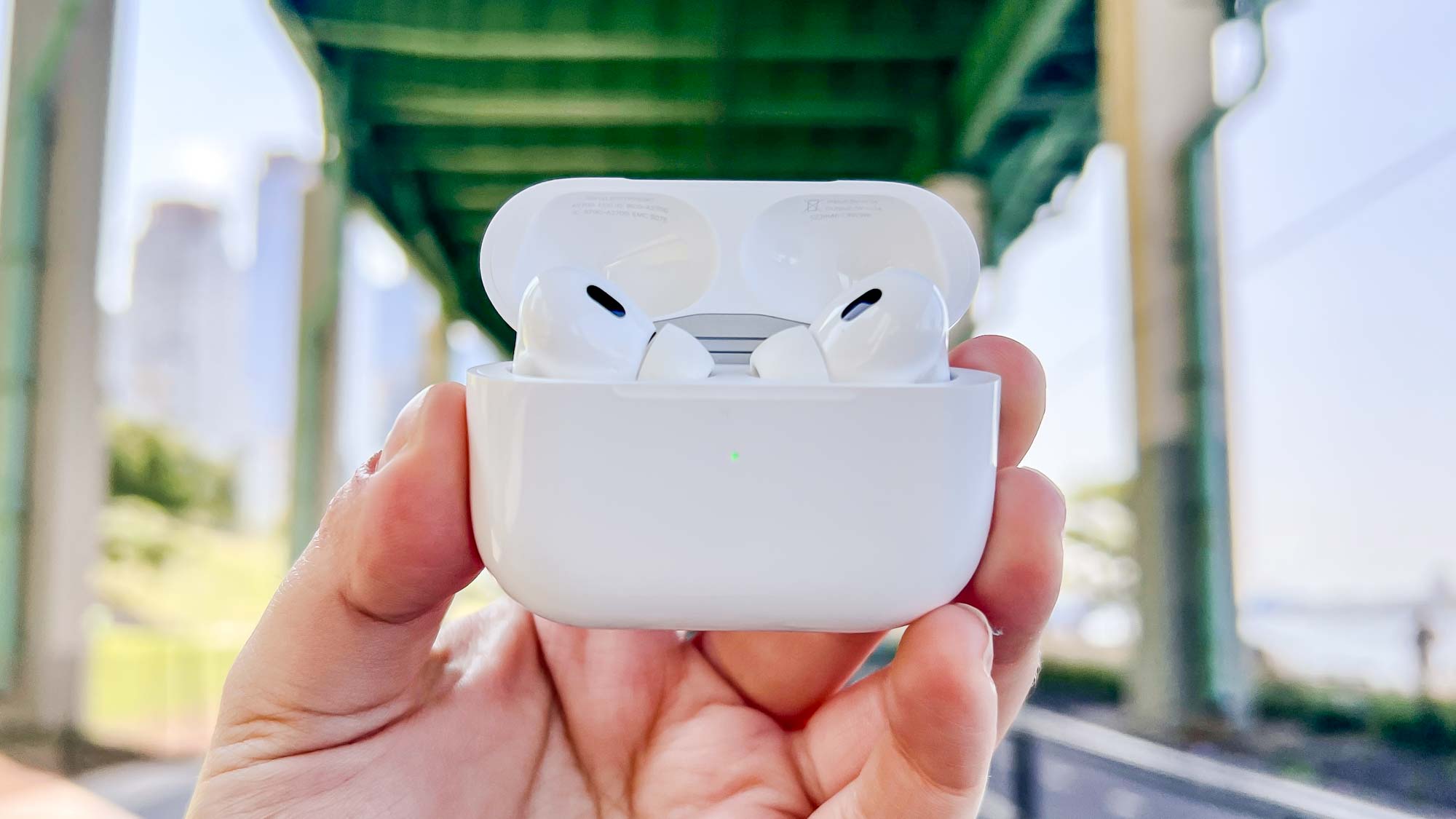
A friend of mine purchased the AirPods Pro 2 soon after release. For the first few weeks, they worked flawlessly. Then one morning, the left earbud stopped producing sound altogether. She tried cleaning it, but nothing changed.
We followed the reset process described in Apple Manuals, removing the AirPods from her iPhone’s Bluetooth list and resetting the case. Still, the problem remained. Finally, we checked https://manymanuals.com/, which suggested recalibrating the audio balance in accessibility settings. After adjusting, the sound returned instantly. What seemed like a hardware failure turned out to be a software imbalance.
Later, she faced another problem—frequent disconnections when switching between her MacBook and iPhone. Searching through troubleshooting discussions on https://manymanuals.de/, she learned that resetting the Bluetooth module on her Mac could stabilize connections. Once she performed the reset, the AirPods connected seamlessly across both devices.
These experiences showed us how essential it is to rely on clear documentation rather than assuming the device is defective.
Preventive Tips for Smooth Use
-
Keep your AirPods and paired devices updated
-
Clean the earbuds regularly to avoid muffled sound
-
Store them in the charging case when not in use
-
Avoid exposing them to moisture or extreme temperatures
-
Run periodic resets if problems reappear
Why Documentation Is Key
Connectivity and sound issues often feel overwhelming, especially with premium devices like the AirPods Pro 2. Having access to clear troubleshooting guides from places like manuals.online, https://manymanuals.com/, and multilingual resources such as https://manymanuals.de/ makes the process far easier. These instructions help users identify whether the issue is software-based, environmental, or actual hardware failure.
AirPods Pro 2 are designed to deliver an exceptional listening experience, but like any technology, they occasionally need adjustments and resets. With the right steps, most problems can be solved at home in minutes, ensuring that music, calls, and ANC continue to perform at their best.

 English
 Arabic
 French
 Spanish
 Portuguese
 Deutsch
 Turkish
 Dutch
Dutch
 Italiano
 Romaian
 Portuguese (Brazil)
 Greek
Greek
